
You have a locked PDF report, but you only need to share a single chart on social media. Or perhaps a client sent you a signed contract, and you need to embed page three directly into the body of an email. PDFs are the global standard for printing and official documents, but they are incredibly frustrating when you just need to share a quick visual.
The easiest solution is to convert PDF to JPG.
In this straightforward guide, we will cut the technical jargon and show you exactly how to convert a PDF to a JPG instantly, safely, and for free, no matter what industry you work in.
The Format Clash: PDF vs. JPG
Why do we constantly need to switch between these two files? To understand why you need to format PDF to JPG , you just need to look at what each file type was designed to do.
Here is a quick breakdown of PDF and JPG so you always know which one to use:
| Feature | PDF Document | JPG / JPEG Image |
|---|---|---|
| Best Used For | Multi-page reports, legal contracts, printing | Social media, email bodies, websites, presentations |
| Editing | Hard to edit without paid software | Easy to crop, resize, and filter on any phone |
| Viewing | Requires a document reader | Opens instantly on 100% of devices |
Industry Use Cases: Why Professionals Convert Files
You do not need to be a web designer to need this tool. Professionals across all sectors regularly need to turn a PDF in to JPG to get their daily work done faster.
- Real Estate & Architecture: Realtors often receive massive, 20-page property brochures in PDF format. If they want to post the floor plan on Instagram or WhatsApp, they cannot upload the document. They must convert PDF file to JPG to extract that single floor plan as a clean, shareable picture.
- Education & E-Learning: Teachers frequently buy worksheets or slide decks in PDF format. To make it easy for students to view assignments on their mobile phones without downloading special apps, educators can simply use a free online PDF to JPG converter to turn the homework into a standard image gallery.
- Corporate & Legal: Have you ever tried to embed a PDF into a PowerPoint presentation? It rarely works well. When business analysts need to display a specific graph from a quarterly report, they convert PDF document to JPG so they can easily drop the image directly onto their slides.
Step-by-Step: How to Use a Free Online PDF to JPG Converter
When handling business contracts or personal records, security is your top priority. Most free tools online force you to upload your sensitive files to their cloud servers.
At Free Pic Compressor , our converter uses secure, client-side browser technology. Whether you have a single page or a multi-page PDF, PDF to JPG conversion happens entirely on your own device. Your files are never uploaded, ensuring 100% data privacy.
Here is how to extract your images in three simple steps:
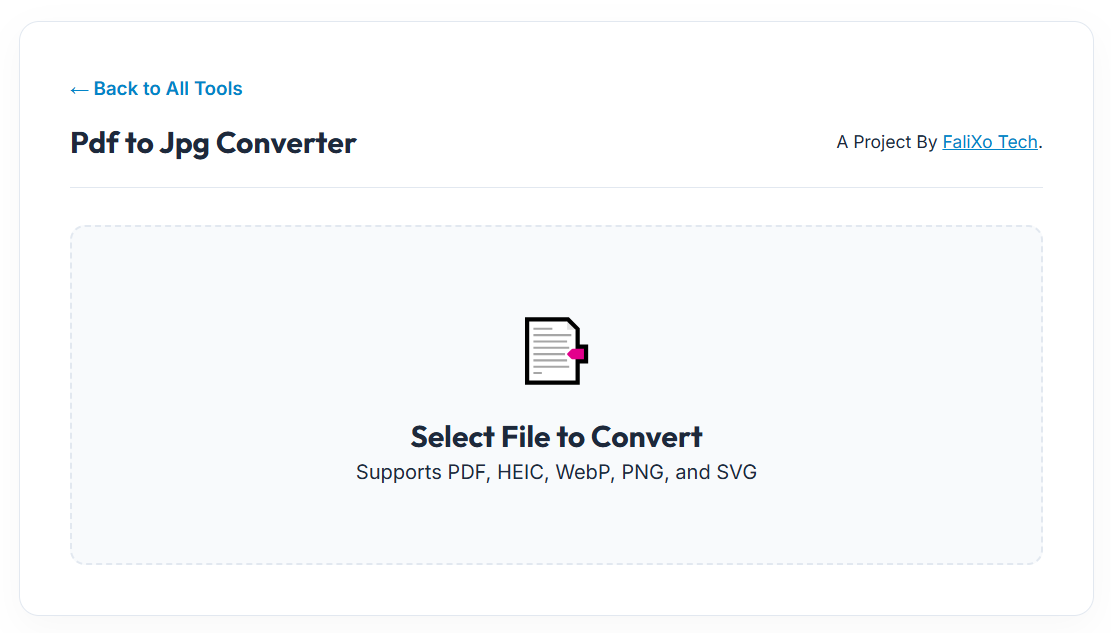
- Upload Your Document: Drag and drop your PDF into our secure browser workspace.
- Instant Extraction: Our local engine reads the document and instantly captures high-resolution snapshots of your pages.
- Download Your Images: Click download. If your PDF has multiple pages, the tool will output a zip folder containing every page as a perfectly formatted image.
Pro-Tip: Once you convert a PDF to a JPG, the resulting file might be quite large. To ensure it sends easily over email, run the new image through our Pic Compressor tool to shrink the file weight!
Frequently Asked Questions (FAQs)
How do I convert a PDF to a JPG for free?
Simply navigate to our free online PDF to JPG converter, drag your document into the drop zone, and let the local processor extract your pages into high-quality images instantly.
Is there a difference between PDF to JPG and PDF to JPEG?
No. JPG and JPEG are two different acronyms for the exact same file type. If a website or application asks for a JPEG, a standard PDF to JPG jpeg output will work perfectly without any errors.
Will I lose the text quality when I convert PDF document to JPG?
Our extraction engine captures your document at a high DPI (Dots Per Inch). This means that all text, charts, and signatures will remain crisp, highly readable, and perfectly preserved in the final image.
Can I convert a multi-page PDF in to JPG?
Absolutely. If you upload a 10-page PDF, the tool will automatically generate 10 individual JPG images (one for each page) so you can pick and choose exactly which pages you want to share.