
You just used your smartphone to take pictures of a five-page signed contract, or perhaps you snapped photos of a dozen business receipts for your expense report. When you try to email those files to your boss or your accountant, you are forced to attach ten separate images. It looks incredibly messy, and there is a high chance the recipient will view the pages out of order.
The solution to this digital clutter is simple: you need to turn those loose pics into PDF documents.
In this straightforward guide, we will explain the core differences between image files and document files, why standardizing your attachments makes you look more professional, and how to use a secure JPG to PDF tool to merge your files in seconds.
The Format Clash: JPG and PDF
Why do businesses demand PDFs instead of standard photos? To understand the relationship between JPG and PDF, you have to look at how different devices handle these files.
When transitioning your files from a JPG to, to PDF format specifically, you are moving from a flexible photo file to a locked, standardized document. Here is exactly why that matters:
| Feature | JPG / JPEG (Image) | PDF (Document) |
|---|---|---|
| Multi-Page Support | No. One file equals one photo. | Yes. Can hold hundreds of pages in one file. |
| Printing Accuracy | Varies based on the printer's photo settings. | 100% accurate. Locks dimensions for flawless printing. |
| Professionalism | Looks like a casual snapshot in an email. | The global standard for official business and legal records. |
Use Cases: Who Needs to Format JPG to PDF?
A dedicated PDF converter JPG to PDF tool is not just for office workers. Anyone who needs to submit official records digitally will eventually need this utility.
- Freelancers & Contractors: If you are submitting a monthly expense report, sending an accountant a folder full of scattered .jpeg files will cause endless frustration. You must format JPG to PDF to create a single, easily readable document containing all your receipts in chronological order.
- Job Seekers & University Students: When applying for a visa or a university program, you are often required to upload your ID, passport, and transcripts. Portals usually only allow a single file upload. By turning your JPG in to PDF , you can combine all your separate identification photos into one master document that the portal will successfully accept.
- Graphic Designers & Agencies: When sending a brand identity presentation to a client, you never send loose image files. Even if you have a mix of assets, you might need to append a JPG and PDF to PDF file to keep your presentation unified and ensure the client reviews the designs exactly as you intended.
The Danger of Cloud-Based Converters
When dealing with a JPEG PDF conversion , the files in question are almost always sensitive. Think about it: you are usually converting photos of your driver's license, signed non-disclosure agreements, or financial receipts.
If you use a random cloud-based converter, you are actively uploading your private legal documents to a remote server.
At Free Pic Compressor, we eliminate this massive security risk. Our browser tool utilizes HTML5 client-side processing. The software required to bind your images into a document runs locally in your own computer's memory. Your private records are never uploaded, guaranteeing absolute data security.
Step-by-Step: How to Merge Your Images
- Gather Your Photos: Place all the images you want to convert into a single folder on your device.
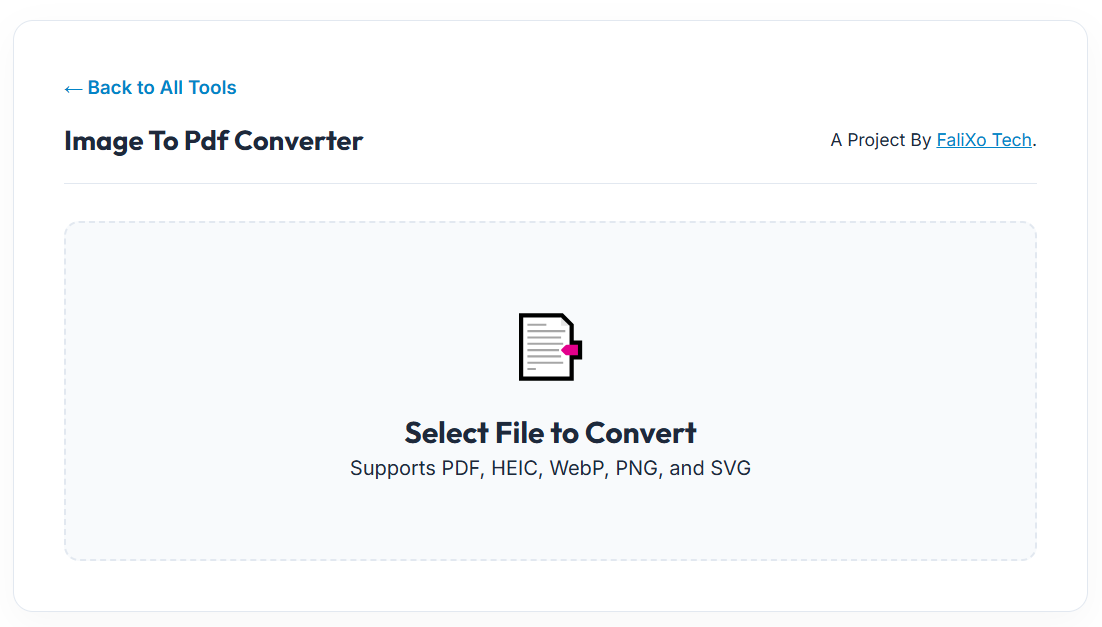
- Secure Drop: Drag and drop the files directly into our secure workspace.
- Arrange the Order: If you uploaded multiple photos, simply click and drag the thumbnails to arrange them in the exact order you want them to appear in the final document.
- Generate Document: Click save. Our local engine instantly wraps your images into a single, clean PDF file.
Pro-Tip: What if you accidentally bind the wrong image into your document? Don't panic. You can easily reverse the process! We have a dedicated PDF to JPG tool that allows you to instantly format PDF to JPG, extracting the pages back into individual images so you can fix your mistake.
Frequently Asked Questions (FAQs)
How do I convert a JPG to PDF for free?
Just drag your photos into the Free Pic Compressor workspace, arrange the page order, and click download. It requires no account and is completely free.
Will I lose image quality when converting to PDF?
No. Our engine wraps your original images into the PDF container without applying any aggressive secondary compression. Your scanned documents and photos will remain perfectly crisp and readable.
Can I convert multiple images into a single PDF?
Yes! This is the primary benefit of the tool. You can upload 20 separate JPGs, and the software will merge them into a single 20-page PDF document.
Is it safe to convert photos of my passport or ID?
It is only safe if you use a client-side tool. Our converter processes your files entirely locally on your own device. Your sensitive identification documents are never sent across the internet to our servers.