
You just spent a weekend taking stunning, high-resolution photos on your iPhone. But when you finally transfer those photos to your Windows computer, email them to a colleague, or try to upload them to a website, the system throws a massive error message. You are left staring at blank, unreadable file icons.
The culprit behind this massive headache is Apple's proprietary image format. If you want to actually use your photos outside of the Apple ecosystem, you have to convert HEIC to JPG.
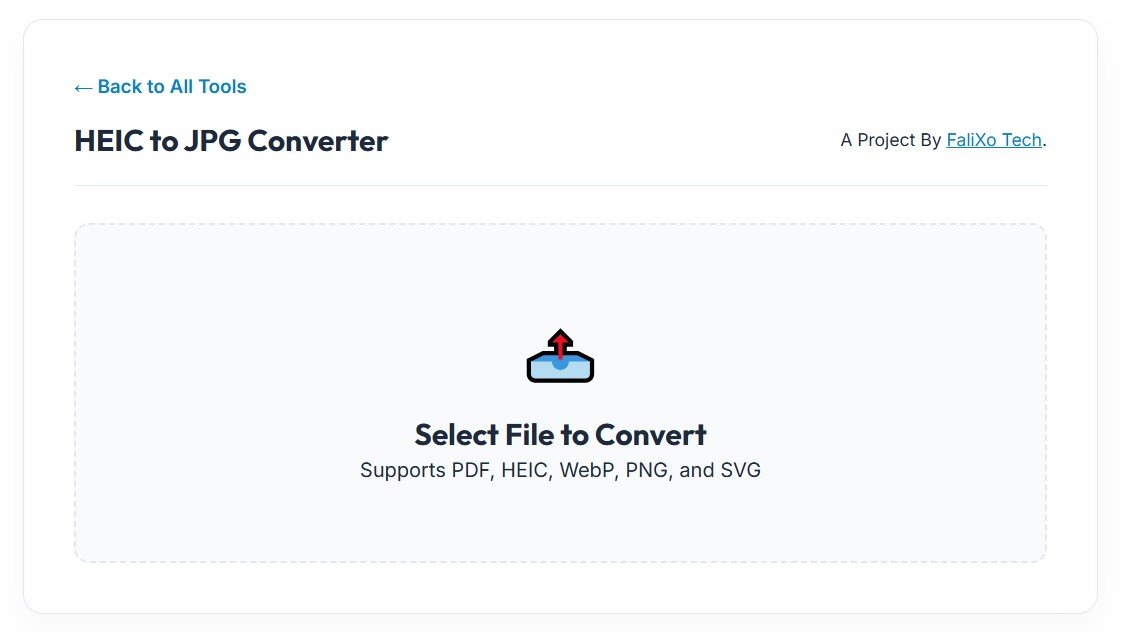
In this comprehensive guide, we are going to explain exactly why your devices are rejecting your iPhone photos, the privacy risks of cloud software, and how to use a secure HEIC to JPG converter to fix your digital workflow in seconds.
What is HEIC? (And Why Does Apple Use It?)
HEIC stands for High-Efficiency Image Container. Apple introduced this format back in 2017 with the release of iOS 11.
From an engineering perspective, HEIC is actually a brilliant piece of technology. It is designed to capture 16-bit color (which means incredibly vibrant, lifelike photos) while using an advanced compression algorithm that takes up half the storage space of a traditional image. For Apple users, this meant they could take thousands of extra photos before their iCloud storage filled up.
But there is a fatal flaw: The rest of the world does not use it.
If you want a flawless digital workflow, you must convert HEIC format to JPG. Here is a quick breakdown of exactly how these two formats compare in the real world:
| Feature | HEIC (Apple Format) | JPG / JPEG (Universal) |
|---|---|---|
| Operating System Support | iOS and macOS natively | 100% universal (Windows, Android, Mac, Linux) |
| Web Browser Display | Rejected by Chrome, Firefox, and Edge | Loads perfectly on every browser |
| Content Management Systems | Fails to upload on WordPress/Shopify | The gold standard for web publishing |
Who Actually Needs a HEIC JPG Converter?
If you never move your photos off your iPhone, you might never notice this compatibility issue. But if you fall into any of the professional or personal categories below, keeping a reliable HEIC JPG converter bookmarked is absolutely mandatory.
- Windows PC Users: If you back up your iPhone to a Windows PC, you will quickly find that the default Windows Photo Viewer cannot open Apple's proprietary files. Instead of paying for expensive third-party software extensions from the Microsoft Store, you can simply run the files through a free browser tool.
- Job Seekers & Official Applications: When you apply for a job, a visa, or a university program, you are often required to upload a photo of your government ID or driver's license. If you snap that photo on an iPhone, the portal will immediately reject the HEIC file. When dealing with strict government portals, you must use an online HEIC to JPG converter first.
- Web Developers & Social Media Managers: 3If a client air-drops you a folder of product photos taken on their iPhone, you cannot upload them directly to a Shopify store, a WordPress blog, or an email marketing campaign. Browsers cannot render Apple's code. You must process those images through a converter before they go live on the internet.
The Hidden Danger of Cloud Converters
When people get frustrated by file errors, they usually rush to Google and click the very first online HEIC to JPG converter they can find. This is a massive privacy risk. Every photo you take on your iPhone contains hidden metadata. This data includes the exact GPS coordinates of where you were standing, the time the photo was taken, and device information. If you upload a photo of your driver's license or your children to a random cloud-based converter, that image—and all its tracking data—is being stored on a remote server owned by a stranger.
At Free Pic Compressor, we built our tool differently.
Our converter uses advanced HTML5 and WebAssembly technology to process your files client-side. This means the mathematical translation from Apple's code to standard JPEG code happens entirely within the memory of your own device. Your private photos never leave your computer. You get the speed of a web app with the strict data privacy of offline desktop software.
Step-by-Step: How to Use the HEIC to JPG Converter
If you are wondering exactly how to bridge the gap between Apple and the rest of the world, we have made the process frictionless. When you choose to convert to HEIC to JPG formats using our platform, it takes less than three seconds.
- Prepare Your iPhone Photos: Locate the unreadable Apple files on your hard drive.
- Secure Local Drop: Drag and drop the files directly into our secure, browser-based workspace.
- Instant Decoding: Our local engine instantly reads the complex 16-bit Apple container and reconstructs the image pixels into a universally accepted standard.
- Download the Fix: Click download. You now have a flawless, high-resolution JPEG that can be opened, emailed, and uploaded anywhere on the internet.
Pro-Tip: JPEGs take up slightly more storage space than Apple's highly compressed files. If your newly converted photo is too heavy for your website, don't panic. Just drop the new JPEG straight into our Pic Compressor tool to instantly shrink the file weight by up to 80% without losing visual quality!
Frequently Asked Questions (FAQs)
Why did Apple change from JPG to HEIC?
Apple made the switch because HEIC files take up roughly 50% less storage space than JPEGs while offering slightly better color depth. It was a move designed to save iCloud storage space for mobile users.
Will I lose image quality when I convert HEIC to JPG?
No. A high-quality HEIC to JPG converter perfectly maps the pixels and colors from the Apple container into the standard JPEG format. The human eye will not be able to detect any difference in crispness or color vibrance.
Can I convert HEIC to JPG directly on my iPhone?
Yes, you can dive deep into your iPhone's camera settings and force it to shoot in "Most Compatible" mode (which saves photos as JPEGs). However, for photos you have already taken, using our fast web tool is the easiest way to translate them.
Do I need to download software to convert HEIC format to JPG?
No. With modern web technology, you no longer need to clog up your hard drive with heavy software. Our browser-based tool handles the entire conversion locally, securely, and instantly.