
You just finished building a stunning webpage, but when you run a speed test, you get hit with a massive red warning: "Optimize your images" Heavy, uncompressed images are the number one cause of slow websites, abandoned shopping carts, and bounced emails.
The fix takes less than five seconds. You need a reliable pic compressor.
In this high-signal guide, we cut through the fluff and show you exactly how image optimization works, the exact file sizes you should target, and how to compress pic online free without losing a single drop of visual quality.
The Cold Hard Data: Why Huge Images Ruin Websites
In the digital world, speed is revenue. Here is exactly why you must integrate a picture size compressor into your daily workflow:
- Google Core Web Vitals: Google actively penalizes slow websites. The Largest Contentful Paint (LCP) metric measures how fast your biggest image loads. Uncompressed images ruin this score, pushing your site down the search rankings.
- The 3-Second Rule: 53% of mobile users will abandon a website if it takes longer than three seconds to load. Heavy images guarantee a slow mobile experience.
- Server & Bandwidth Costs: Hosting heavy images eats up your server bandwidth. If a post with ten 4MB images gets 1,000 visitors, that is 40 Gigabytes of bandwidth burned in a single day.
The Target: What Should Your File Size Be?
Before you use a picture compressor, you need to know your target weight. Here are the industry-standard file sizes for modern web design:
- Standard Blog Images: Under 150 KB
- E-Commerce Product Shots: Under 200 KB
- Large Hero Banners (Full Width): 300 KB – 500 KB maximum
- Small Icons & Logos: Under 50 KB
How much space can you actually save when you compress pic online?
A smart compressor strips out hidden EXIF data (like GPS coordinates and camera models) and optimizes repetitive color profiles.
Here is a look at average file reductions using a high-quality pic size compressor:
| Image Type | Original Size (Uncompressed) |
Compressed Size | Data Saved | Visual Quality Loss |
|---|---|---|---|---|
| High-Res DSLR Photo (JPG) | 8.5 MB | 450 KB | 94% | None detected by human eye |
| Transparent Product Logo (PNG) | 2.1 MB | 180 KB | 91% | None (Maintains Transparency) |
| Next-Gen Web Graphic (WebP) | 1.2 MB | 110 KB | 90% | None |
Use Cases: Who Needs a Pic Size Compressor?
Image optimization isn't just for web developers. A reliable pic compressor solves daily bottlenecks for almost every digital professional:
- E-Commerce & Shopify Owners: If your product pages have dozens of high-resolution angles, your store will crawl. Running your product shots through a picture compressor ensures your store loads instantly on mobile, preventing customers from bouncing before they hit "Add to Cart."
- Freelance Designers & Photographers: When you try to email a zip folder of raw proofs to a client, Gmail will block it for being over 25MB. By compressing the proofs first, you bypass frustrating email limits and deliver your work seamlessly.
- SEO Specialists: When auditing a client's slow website, the fastest and easiest "quick win" is downloading their heavy media library, running it through a picture size compressor, and re-uploading the lightweight files. It instantly improves page speed scores.
Step-by-Step: How to Compress Pic Online Free
Most free tools force you to upload your private files to their remote cloud servers. At FaliXo Tech, our Free Pic Compressor uses advanced HTML5 client-side technology. The compression happens inside your own browser, meaning your files are never transmitted across the internet.
Here is how to optimize your files in three seconds:
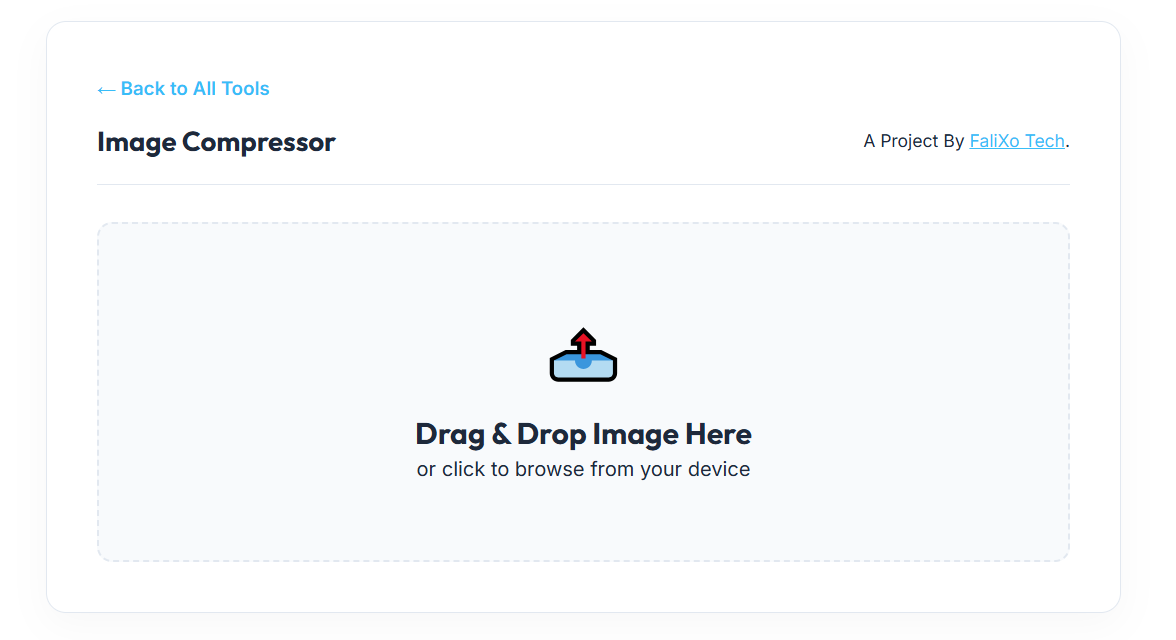
- Drag and Drop: Pull your heavy JPG, PNG, or WebP files directly into our secure, browser-based workspace.
- Instant Local Processing: Our engine instantly reads the file locally. It intelligently downsamples hidden color profiles and strips bloated metadata without touching the crisp edges of your photo.
- Download Your File: Click download. You now have a universally compatible, highly compressed image ready for the web.
Pro-Tips: The Ultimate Digital Workflow
Using a pic compressor is step one. To build a flawless digital workflow, combine compression with these three pro-tips:
- Resize Dimensions First: Do not upload a 4000-pixel wide image to a blog column that is only 800 pixels wide. Use an Image Resizer to scale down the physical dimensions before you compress the file weight.
- Fix Format Compatibility: If you are dealing with rigid formats, convert them. Use our PDF to JPG Converter to extract vector data, or our HEIC to JPG tool to fix unreadable Apple iPhone photos.
- Remove Clutter: An ugly, cluttered background adds unnecessary data to an image file. Use an AI Background Remover to isolate your subject on a transparent canvas, which dramatically reduces the final file size when compressed.
Frequently Asked Questions (FAQs)
How do I compress pic online free without losing quality?
Simply use our secure browser tool. Our algorithm uses "smart lossy" compression, which groups repetitive pixels together. The file weight drops by 80%, but the human eye cannot tell the difference.
What is the difference between an image resizer and a pic size compressor?
An image resizer changes the physical width and height of the photo (e.g., changing 2000px to 800px). A pic size compressor reduces the actual data weight of the file (e.g., changing 5MB to 200KB) by optimizing the code inside the image.
Is it safe to upload confidential documents to your picture compressor?
Yes, because you aren't actually "uploading" them to us. Our tool runs locally on your own device's CPU. Your confidential photos and IDs are never sent to our servers, guaranteeing 100% data privacy.
Why did my PNG file get a black background after compressing?
Cheap online compressors destroy the "alpha channel" (transparency) of PNG files. Our engine is specifically designed to recognize and preserve transparent backgrounds during the compression process. (Note: If you need infinite scalability, convert it using our PNG to SVG tool instead).