
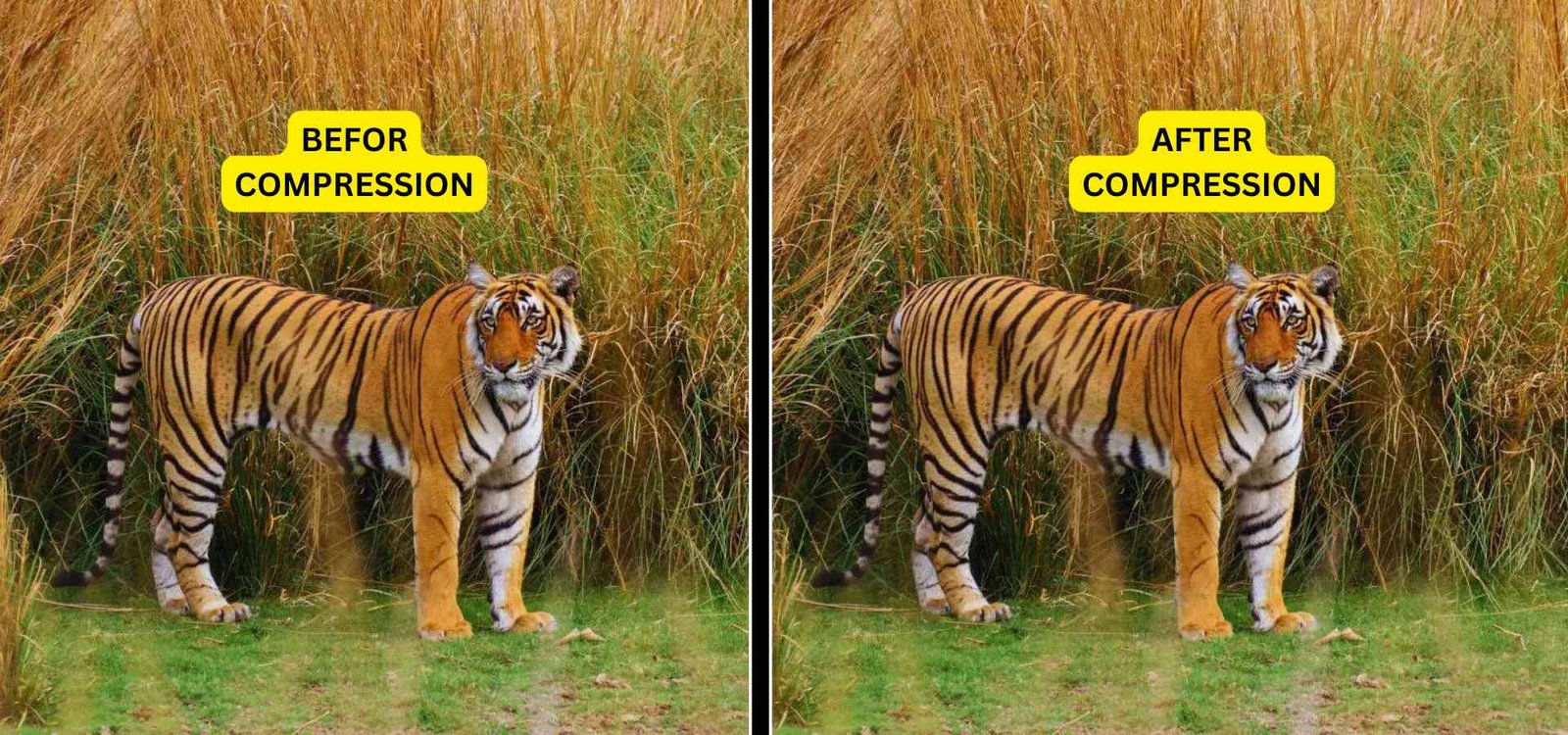
You just spent hours compiling a brilliant quarterly report or scanning a signed legal contract. You attach the file to an email, hit send, and immediately receive a frustrating automated bounce-back message: "Attachment Too Large." Because PDFs are designed to lock in formatting, high-resolution images, and custom fonts, they can quickly bloat into massive 50MB files that are completely unshareable over standard email or upload portals.
To fix this, you must compress PDF documen t files before you share them.
In this high-signal guide, we will explain exactly why these documents get so heavy, the safest way to reduce PDF size, and how to use our secure, free tool to effortlessly compress PDF to 200kb without ruining your text quality.
Why Are Your Documents So Heavy?
Before you attempt to decrease PDF size, it helps to understand what is actually taking up so much space. When you use a proper tool to run a PDF to PDF compress operation, the software doesn't alter the text. Instead, it targets the hidden bulk inside the file.
Here is exactly what an advanced algorithm looks for when it attempts to minimize PDF size:
| The Culprit | Why It Makes the File Heavy | How the Compressor Fixes It |
|---|---|---|
| Unoptimized Images | Placing raw 10MB photos into a document instantly balloons the total weight. | Intelligently downsamples the DPI (Dots Per Inch) of embedded images so they look great on screens but weigh 80% less. |
| Embedded Fonts | To ensure the document looks the same on every PC, the file stores the entire custom font alphabet. | Removes unused font characters (subsetting) to safely compress data pdf structures. |
| Hidden Metadata | Tracks author history, creation dates, and software versions invisibly. | Strips out all unnecessary background tracking data entirely. |
Use Cases: Who Needs to Shrink PDF Size?
Whether you are furiously typing pdfcompress or accidentally searching compress p into your browser while rushing to meet a deadline, almost every digital professional needs this utility.
Here is how different industries rely on a compress PDF tool to maintain their daily workflows:
- Job Seekers & University Applicants: Most corporate and university application portals have notoriously strict upload limits. If they demand your resume and portfolio stay small, you have to find a way to compress PDF to 200kb or 500kb. Running your portfolio through an optimizer ensures your application actually goes through.
- Legal & Real Estate Professionals: Contracts, property disclosures, and court filings often involve dozens of scanned pages. Because scanners treat every page as a high-resolution photograph, the resulting files are enormous. You must use a PDF compress PDF workflow to get those massive legal packets small enough to pass through standard Gmail and Outlook 25MB attachment limits.
- Digital Marketers & Authors: If you are offering a free E-Book or whitepaper as a lead magnet on your website, a heavy file will ruin the user experience. A 40MB download takes too long on mobile networks and frustrates potential leads. You need to shrink PDF size so your digital products download instantly.
The Privacy First Approach to Document Compression
If you have a massive financial report, the absolute worst thing you can do is upload it to a random cloud-based website.
Many free tools online require you to upload your sensitive records to their remote servers so their compressor compress pdf files off-site. This puts your confidential client data, signatures, and proprietary business information at massive risk of being stored, leaked, or analyzed.
At Free Pic Compressor, we engineered a better, safer way. Our advanced HTML5 tool operates entirely client-side. When you initiate a compress PDF to PDF conversion, the entire mathematical process happens locally within your own computer's memory. Your files are never transmitted across the internet, guaranteeing enterprise-grade data privacy for your most sensitive documents.
Step-by-Step: How to Reduce PDF Size Instantly
Stop fighting with bloated attachments. Here is the frictionless workflow to streamline your documents:
- Locate Your Document: Find the heavy legal contract, E-Book, or scanned file on your hard drive.
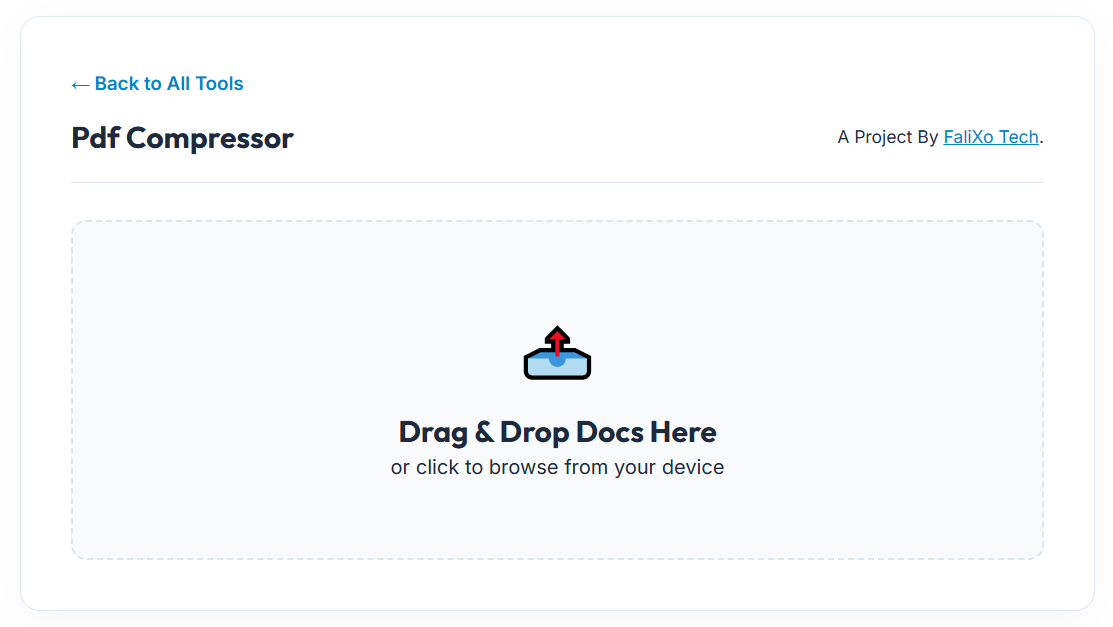
- Secure Drag & Drop: Pull the document directly into our secure, browser-based workspace.
- Instant Optimization: Our local engine instantly reads the file. It carefully downsamples embedded images, strips out invisible metadata, and optimizes the code structure.
- Download Your File: Click save. You now have a perfectly optimized, lightweight document ready to be emailed or uploaded.
Pro-Tip: Sometimes, even after you aggressively optimize a file, a specific portal will still refuse to accept a multi-page document. If this happens, use our PDF to JPG tool to extract the individual pages into standalone images, which are almost universally accepted by all web forms!
Frequently Asked Questions (FAQs)
How do I compress PDF to 200kb?
To hit very strict targets like 200kb or 100kb, you need a smart optimization engine. Drag your file into our free tool. Our algorithm automatically applies the maximum level of compression possible while ensuring the text remains legible.
Will I lose quality when I decrease PDF size?
Text and vector graphics will remain perfectly crisp. The only noticeable change will be in embedded photographs or scanned images, which are intelligently downsampled to a web-friendly resolution to save massive amounts of space.
Can I compress compressed PDF files to make them even smaller?
Usually, no. Once a file has been properly optimized, the "hidden bulk" is already gone. Running it through a compressor a second time will not result in significant savings and may start to heavily blur the embedded images.
Is it safe to compress confidential legal documents online?
It is only safe if the tool processes your files locally. Because Free Pic Compressor is built on client-side technology, your private contracts and financial records never leave your device, ensuring 100% data security.